
BOOKMARKS & SEARCH
Save a good link. Find it again.
Save into a real folder. Search the clues you remember.
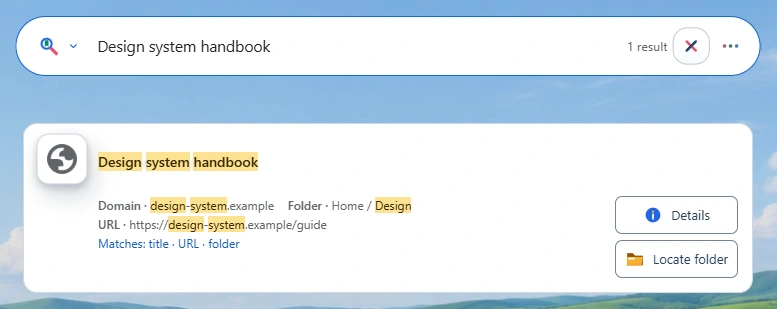
Search and quick save 0:11
Read the steps
- Review the title and URL in the quick-save form.
- Check the destination folder, save, and review the receipt.
- Switch to bookmark search and enter the title you saved.
- The result shows the saved address and folder.
SAVE WITH CONTEXT
A clear destination.
Review the folder, matching URL and tags in the toolbar. Once saved, open the folder from the receipt to find the bookmark.
Read the bookmark guide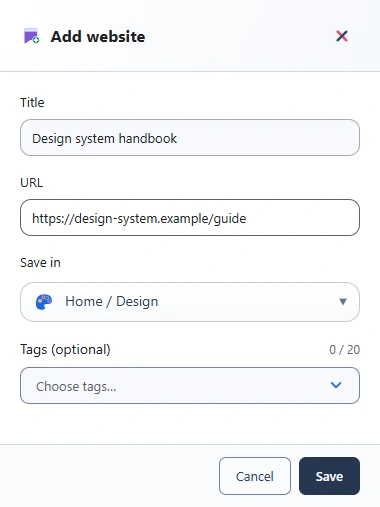
Make yourself at home.
Try the sample demo or get Markora for Chrome.