
MAKE IT YOURS
Your space. Your point of view.
Standard, free canvas or search focus. Then choose the details.
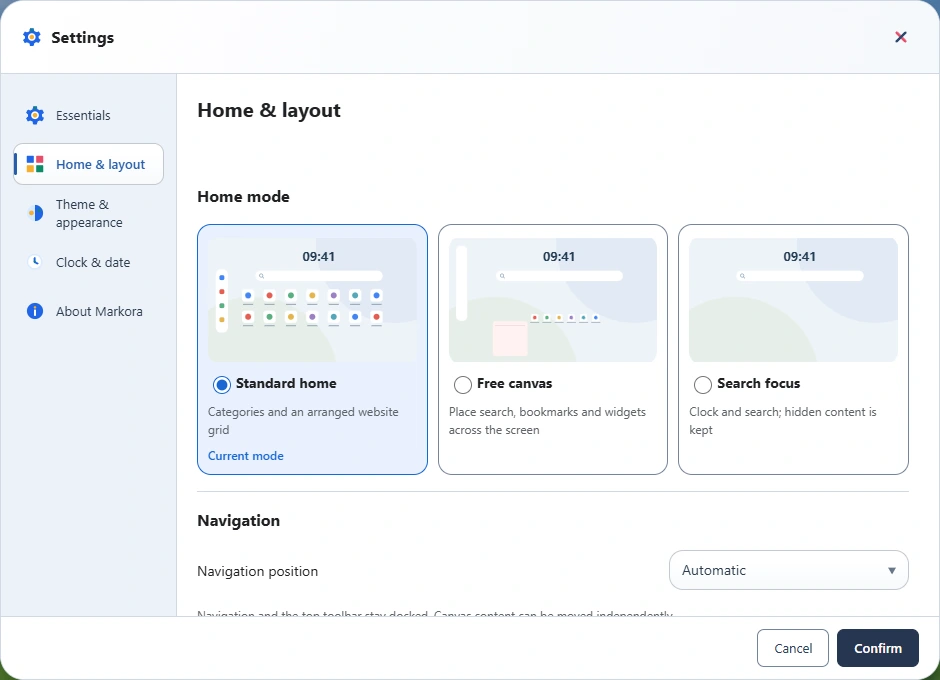
Choose your layout
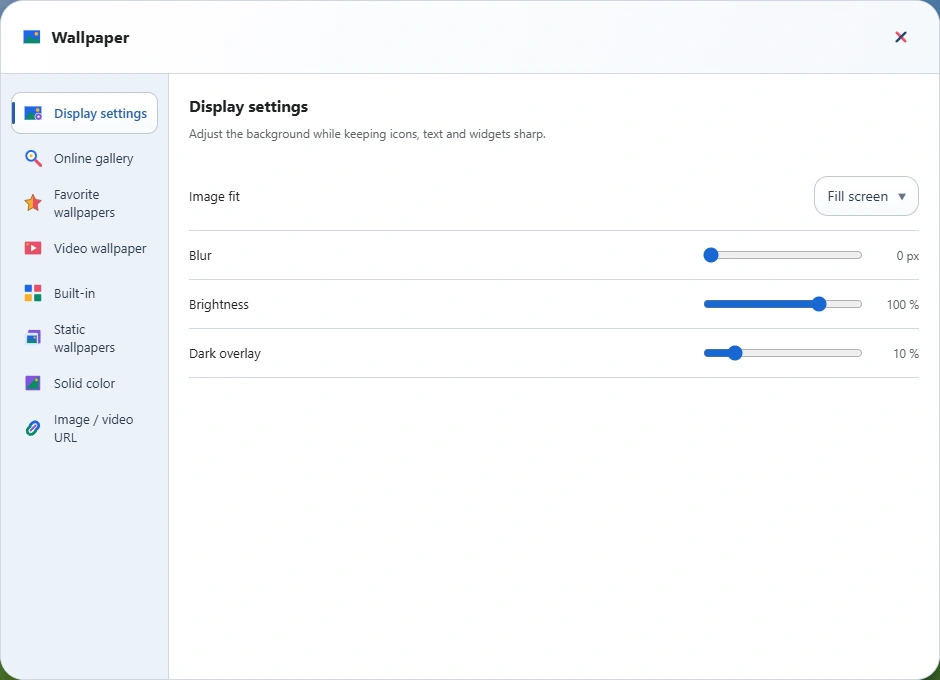
Find your backdrop
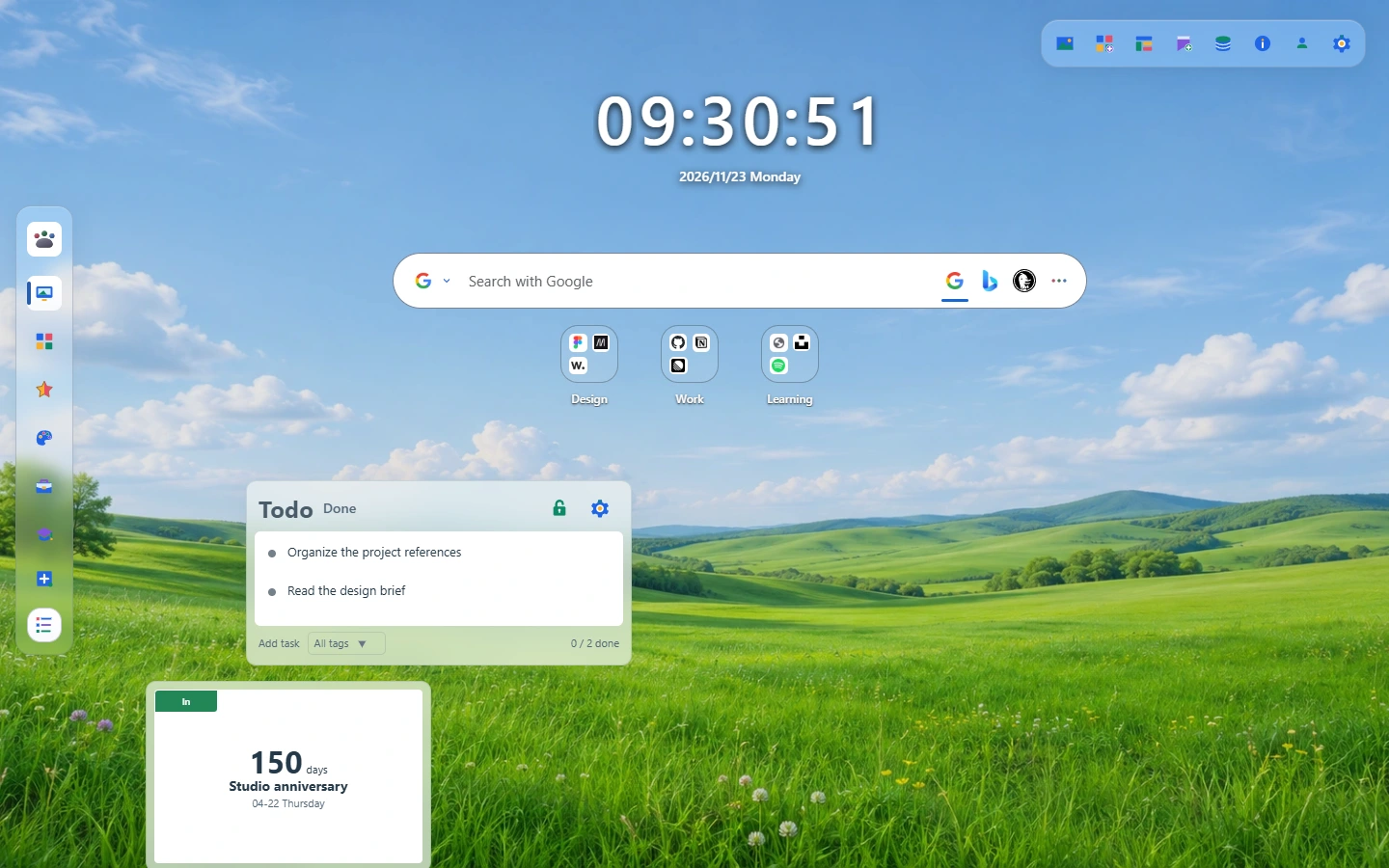
FREE CANVAS
Room to arrange things your way.
Drag bookmarks and widgets, then release to save their positions.
Read the layout guideArrange the free layout 0:06
Read the steps
- In free layout, press and hold the task heading.
- Drag the widget to its new position and release.
- The new position is saved.
WEBSITE ICONS
Make familiar links recognizable.
Review a website’s icon sources or choose a local image, with optional access before fetching new sources.
Read about icon sources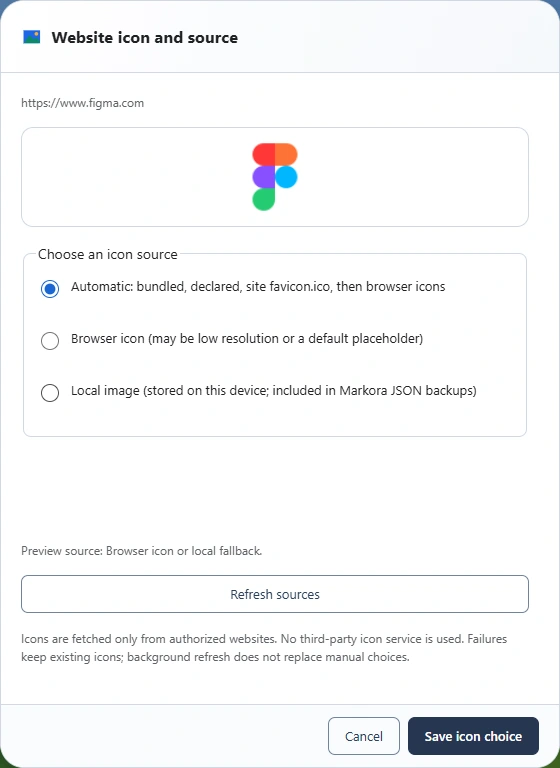
Make yourself at home.
Try the sample demo or get Markora for Chrome.