
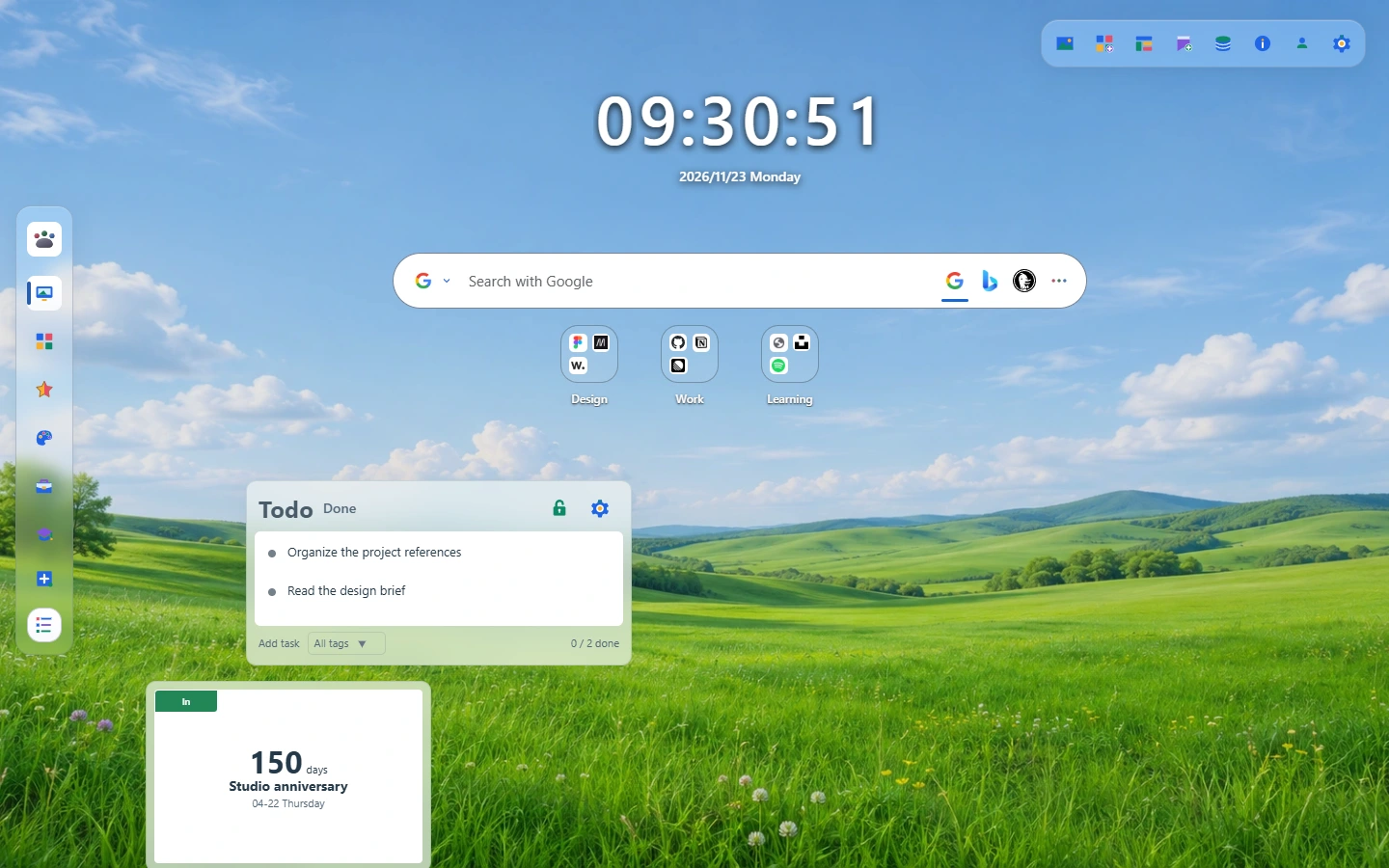
Choose a layout
Standard layout gives bookmarks a clear grid. Free layout lets you position sites, folders, clock, search and widgets. Search-focused mode reduces home content. Bookmark layout adjusts width, icons and spacing; text size and window dimensions affect capacity.
Widgets and page scrolling
Standard mode adapts to two widget columns, one column or a compact daily panel. Desktop widgets and bookmarks scroll as one page; long task lists retain inner scrolling. Widgets appear on Home by default or can share positions across folders.
Move and cancel
Long-press an object or widget heading, preview a destination and release to save. Free layout also supports moving the clock and non-input parts of search. Esc cancels; supported objects use Alt with arrows. Switching modes or resizing does not automatically rewrite old coordinates.