
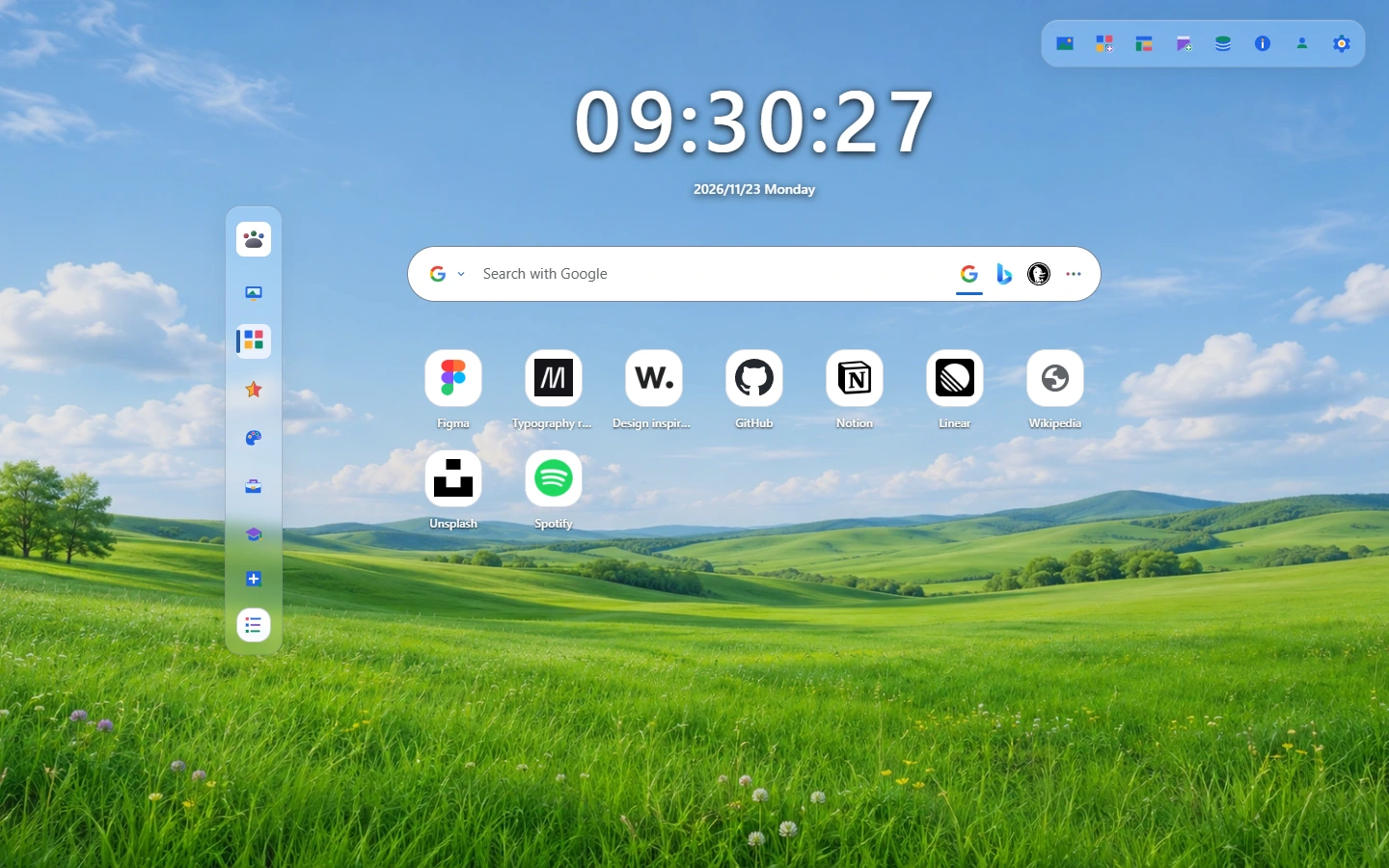
Choose an edition
Main replaces Chrome’s new tab page. Lite keeps your existing new tab and provides the same bookmark tools and themes. Their extension-local settings are separate.
Store and development versions
The public store listing showed 1.0.1 on 2026-11-23. Check the installed version in Chrome’s extension details.
Load a trusted development package
Use a trusted package containing the complete files for Main or Lite.
- Extract the package, keeping its full directory.
- Open chrome://extensions and enable Developer mode.
- Choose Load unpacked and select the entire directory containing manifest.json.
- For Main, open a new tab. For Lite, open Extension options from its details and return to home.
Your first session
Open a new Chrome tab to enter Main’s personal workspace without signing in. Copy existing bookmarks now or return to Data & recovery → Backup later. Approved participants in the 1.0.1 team pilot can sign in from the account control and accept a team invitation in Messages.