
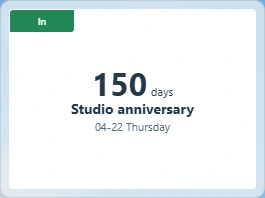
Edit and count days
Edit names, Gregorian dates, count modes and individual appearance. Countdown shows zero for past dates and elapsed mode shows zero for future dates. Days use the local Gregorian calendar; annual recurrence is not offered.
Add an entry
Choose Add anniversary from the dropdown, enter the details, preview and save. No date is created before an explicit choice. New entries are limited to three; larger legacy lists remain. Cancel discards the draft.
Delete and empty state
The red Delete action at lower left removes the selected draft entry. Save applies it and Cancel reverses it. Removing the last entry keeps an empty widget with full settings and creates no date.
Reorder within the card
Home shows the first three entries. Long-press or use Alt with Up/Down to reorder them. Later legacy records, IDs and metadata remain and can still be selected in settings.